







The Nonsense Maker
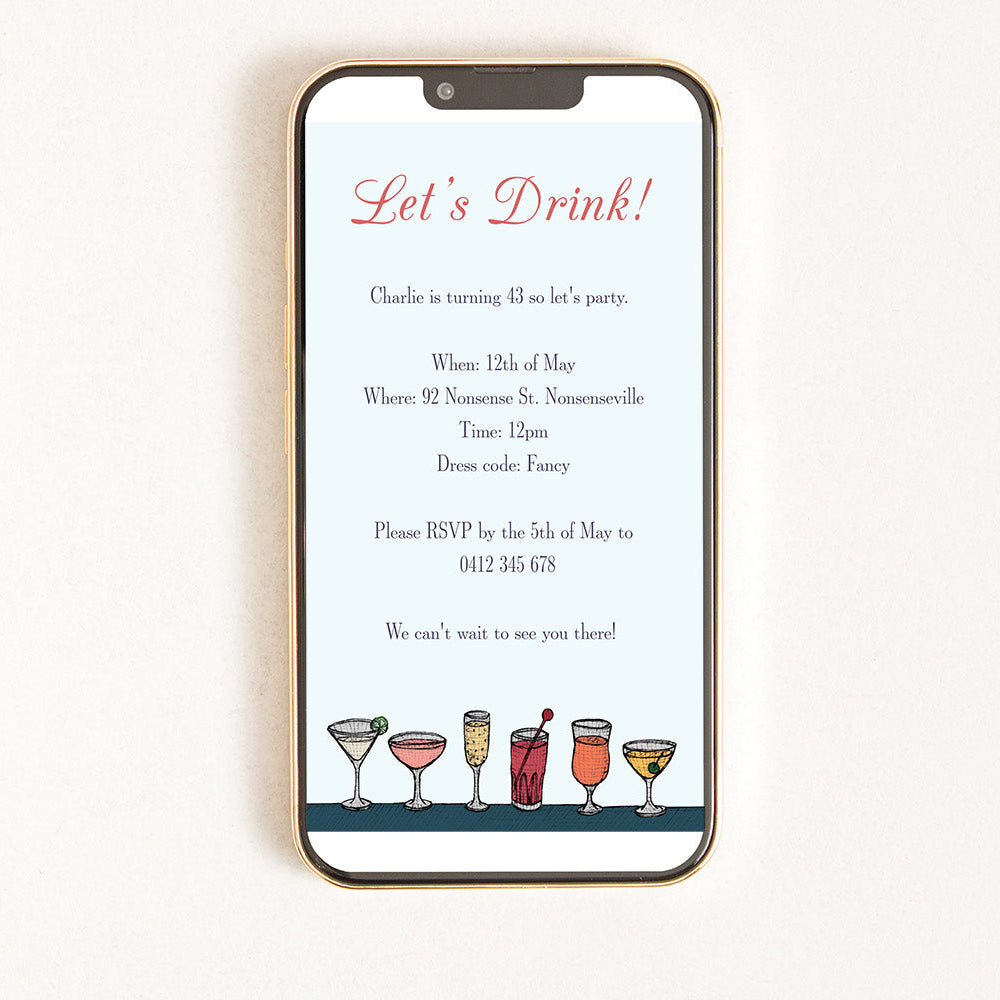
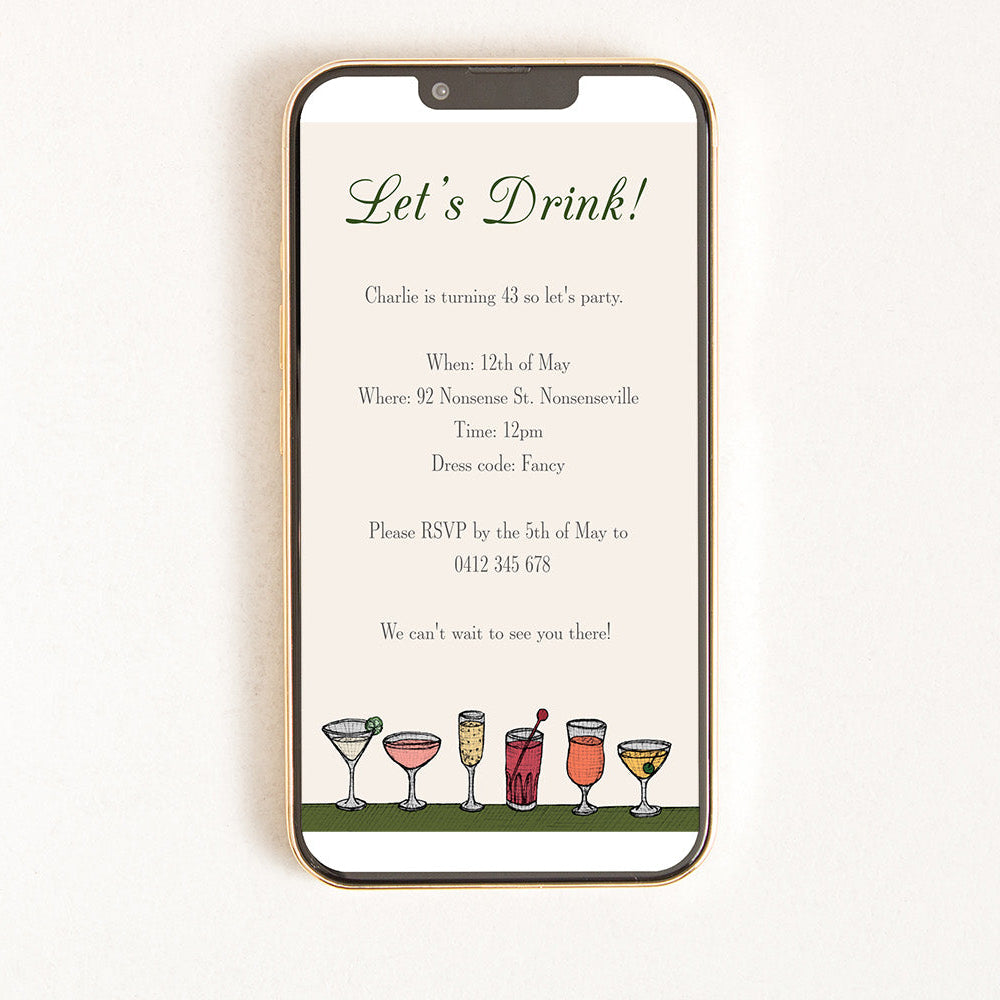
Cocktail Party Drinks - Digital Invitation
"I was looking for a fun digital invitation, and this was perfect. The software was easy to use, and I changed it from an invitation to a save the date. I had quite a few lovely responses about the presentation."
If you don't recieve an e-mail from corjl after 5 minutes, send us an email at info@thenonsensemaker.com.au

This fun and playful cocktail party digital invitation is available for instant download and customisation, ready to easily send to you friends and family right away! Simply edit the unique artist made design yourself using Corji, our inbuilt editing website.
-
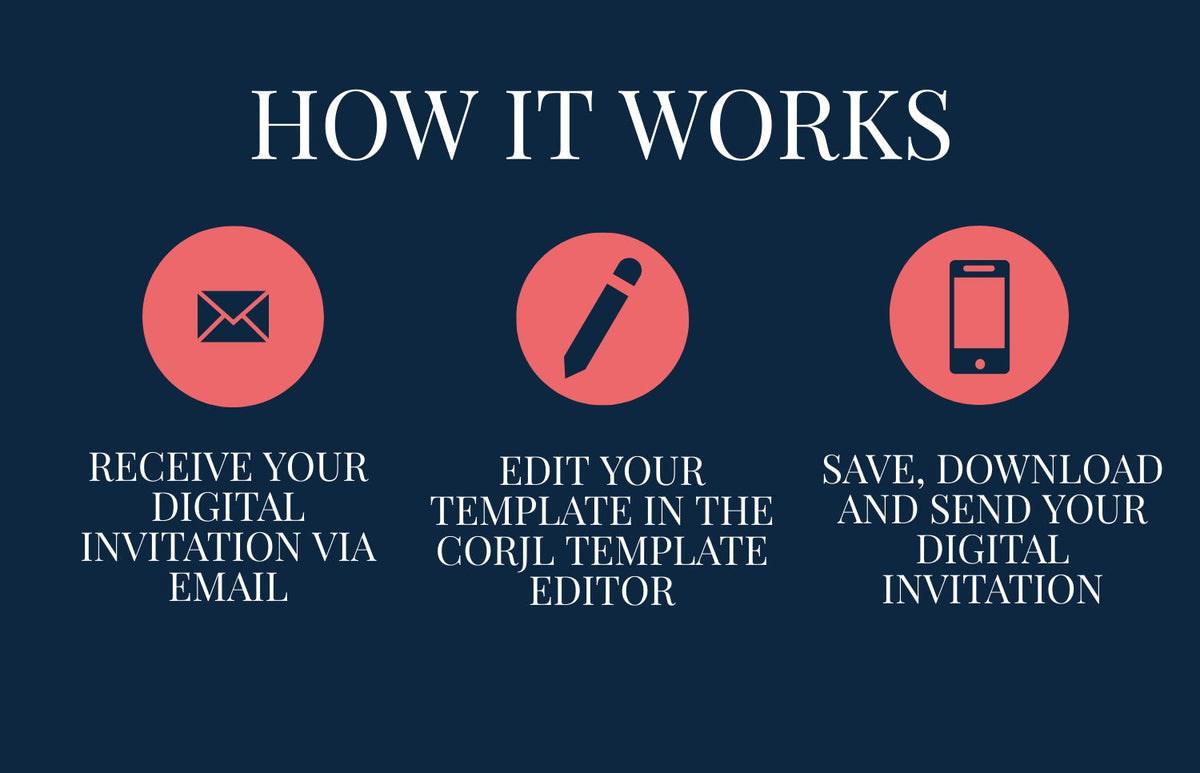
Once purchased you will receive an email from Corjl inviting you to log in and edit your digital invitation. This will arrive after your confirmation email from The Nonsense Maker. You will need to make an account but this will only take you 30 seconds.
-
Edit the text on the template and personalise it to your needs. We recommend using a computer for this step.
-
Download to your device and send your digital invitation as a text, message or email.
Please read the instructions and FAQ's below to learn more about the process.
The Details
Invitation format suitable for all phones.
Melbourne Made
All of our coasters are designed, printed and made in Melbourne, Australia.
 Customer Service
Featured products
Digital Invitation FAQs
Once you have ordered and paid for your digital invitation through The Nonsense Maker Website you will receive an email from Corjl. This will be sent to the email address you used to purchase this order, and can take up to 10 minutes to come through. Please be sure to check your spam folder if you are unable to locate it. If you still have not received the email please contact us at info@thenonsensemaker.com.au and we will send it to you directly.
After purchase you will receive an email from Corjl with a link to access and edit your items (see how do I access my digital invitation above).
If you are on a computer: Edit the text using the tools panel. You can edit the text wording, colour, style, font and spacing.
If you are on a mobile or tablet: Click the text you wish to edit, then click the 'edit text' button to customise your wording.
CAN EDIT: You can edit all text wording, formatting colours and fonts. Please note if you are using a mobile or tablet you will ONLY be able to edit the text wording. We recommend using a computer.
CAN'T EDIT: You cannot edit the image or its placement or sizing. You cannot edit any borders or background colours.
Once you have finished editing click save, then click the download button. Choose if you want the file downloaded directly to your device or emailed to you. This may take a few minutes.
If you have selected 'download to device' the download location is different for every device. It may appear in one of the following locations:
- In your Downloads folder: For an Apple device this can be accessed by clicking the blue arrow that appears in the URL bar or at the top of the page.
- In your Files folder: iPhones have a built-in app called Files to store downloaded files, which you can search for and then open to locate your digital invitations.
- In your camera roll: If you are on a mobile you can save the image to camera roll.
Once you have located the download you can send the image in a message or email to as many guest as you like.
If you are still having trouble finding your download try selecting 'email me the download' instead of 'download to device'. This option may not appear on some devices.
If you still can't find it please Contact us or send us an email at info@thenonsensemaker.com.au
1. Edit the invitation template in Corjl then save and download the personalised version to your computer or phone.
2. You can choose to download the image straight to your device or send to yourself via email.
3. Create a new SMS/Message on your mobile device, add the image and send to your guests OR attach to an email on your phone or computer and send to guests.
We are here to help if you need. Contact us or send us an email at info@thenonsensemaker.com.au
You have 90 days to edit and download your template. In that time you may download and send it as many times as you like for PERSONAL USE ONLY.
Commercial use of The Nonsense Maker's templates or designs is not permitted at any time. Files cannot be recreated or changed for a new purpose, or altered from the intended use. Files must not be resold, repurposed or shared for reuse.

Who Designed The Digital Invitation?
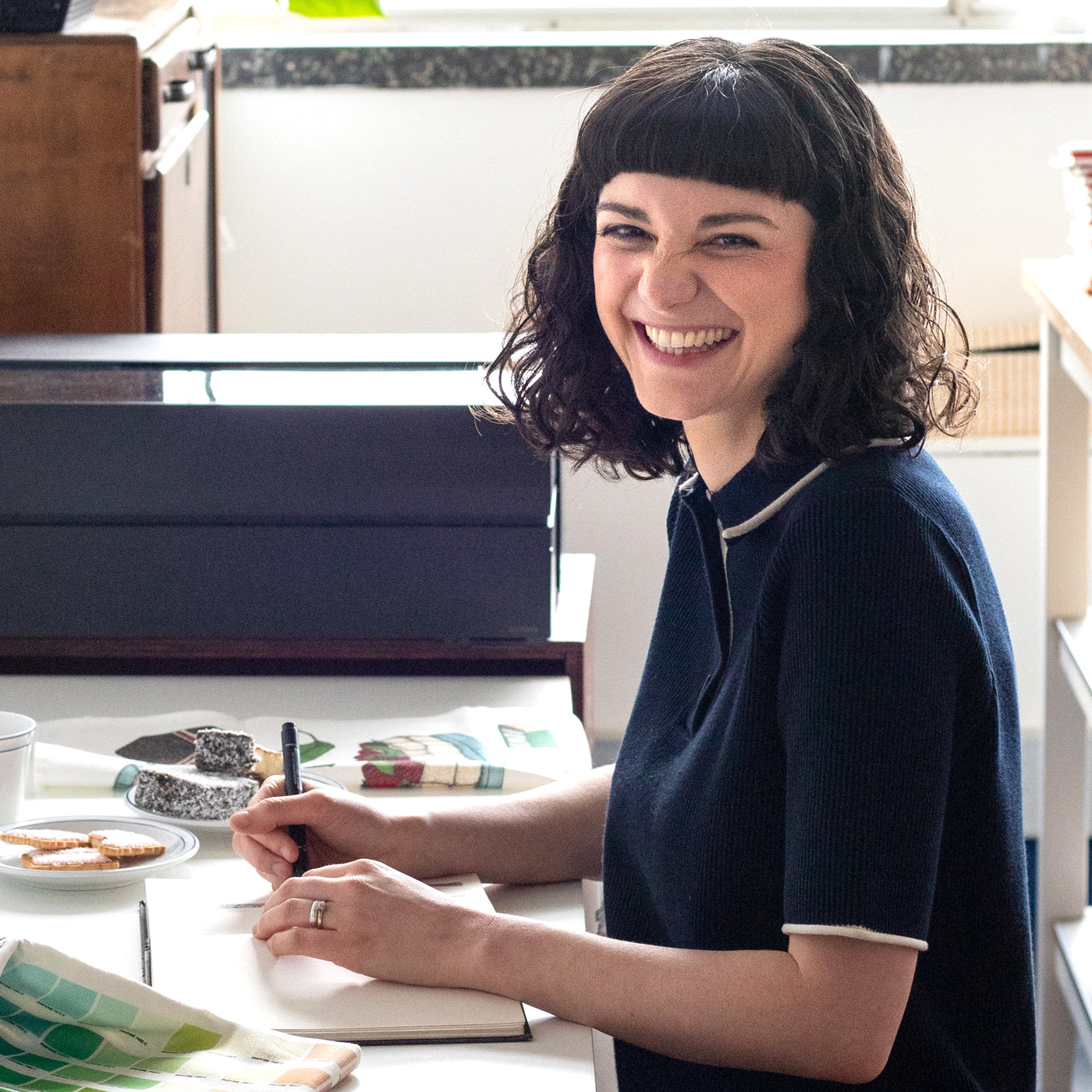
Meet artist Emily May. Best known by her alter ego ‘The Nonsense Maker’, she lives rogue in a world ruled by pure imagination. By day you can spot her caffeine fuelled and roaming the inner lane ways of Melbourne, by night she explored secret passageways winding to worlds only accessible in dreams. From these worlds she conjures her images, captured where dreaming meets reality and the nonsensical is in limitless bloom.


